Motorised Blinds Not Working? Here’s How to Reset in Minutes!

When my motorised blinds suddenly stopped working, I felt frustrated. I tried everything possible, but nothing seemed to fix the problem.
Then, I discovered a few simple reset techniques that transformed my blinds from unresponsive to perfect.
If you’re facing the same issue, let me guide you through the easy steps I learned to get your motorised blinds back in action quickly.
Step-by-Step Guide to Reset Motorised Blinds
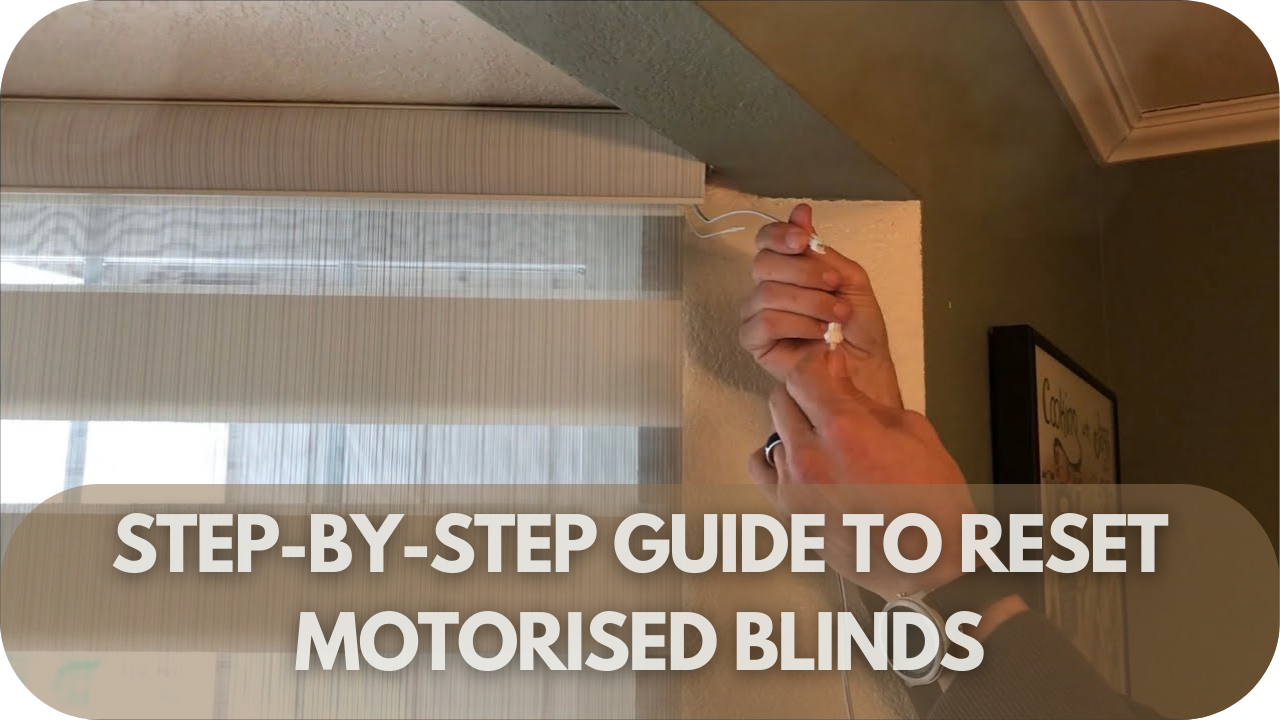
Are you frustrated that your motorised blinds are not responding? Before you panic, a quick reset might be all you need to get them working smoothly again.
Whether it’s a dead battery, a remote control issue, or a simple malfunction, resetting motorised blinds is easier than you think. We’ll show you exactly how to do it in just a few steps!
- Power off: Start by turning off the blinds at the mains or removing the batteries for battery-operated models. This ensures the system is completely disconnected from power, allowing for a proper reset.
- Wait briefly (10-15 seconds): Let the blinds rest for 10-15 seconds to clear any residual electrical charge from the system. This allows the internal components to discharge, thoroughly preparing for a clean restart.
- Power on: Reconnect the power by switching the mains back on or reinserting the batteries. Ensure the blinds receive stable power before proceeding to the next steps.
- Locate the reset button: Find the reset button, usually a tiny, recessed button on the motor head or control unit. If you need more clarification, consult your product manual to find its exact location.
- Press and hold the reset button for about 10 seconds. During this time, you should notice a response, such as a light flashing or a slight movement of the blinds, indicating that the reset is in progress.
- Release the button: Once you see the indicator (like flashing lights or blind movement), release the reset button. This completes the reset process, and the blinds should now be reset to their factory settings.
- Reprogram settings: The previous limits and settings may be lost after resetting. To ensure proper operation, you’ll need to reprogram the upper and lower limits of the blinds using the remote or app.
- Test operation: Use the remote control or app to test the blinds, ensuring they move smoothly and stop at the newly programmed limits. This confirms that the reset has been successful.
- Troubleshoot if needed: If the blinds still need to be fixed, consult the manual or contact the manufacturer, as there may be a deeper issue requiring professional assistance.
Common Reasons Why Motorised Blinds Stop Working
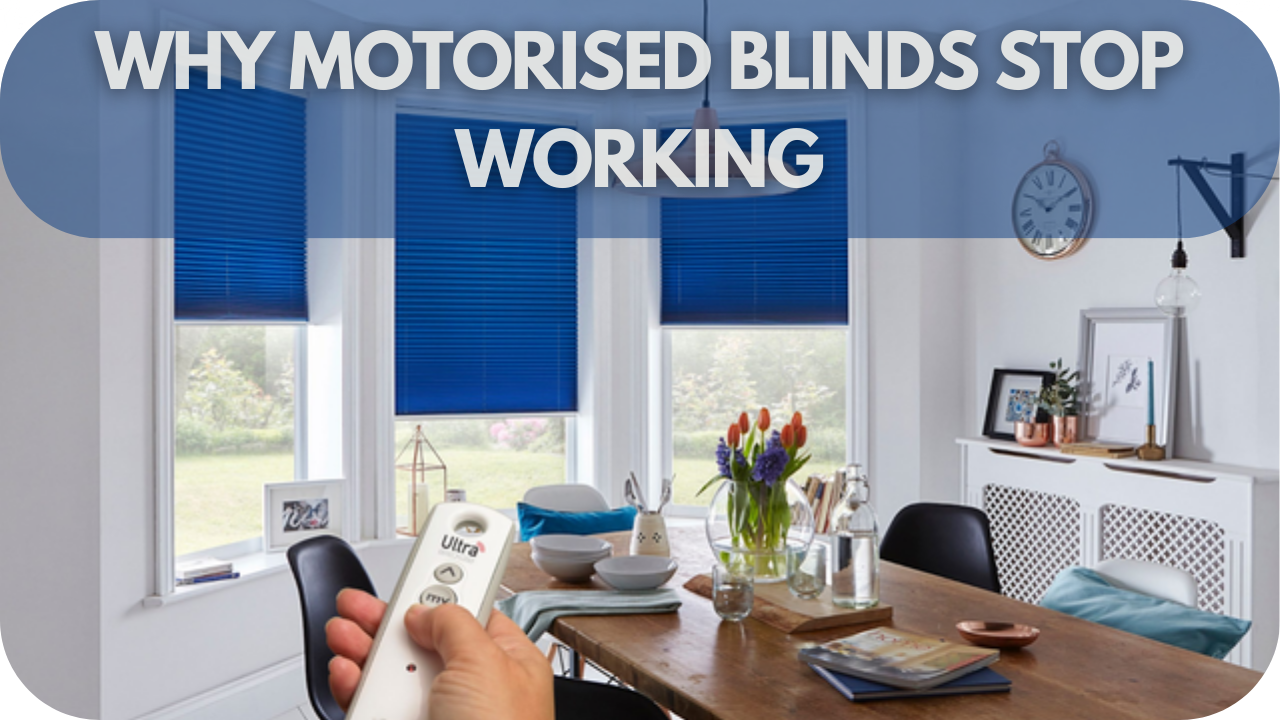
Understanding why motorised blinds stop working can save you time and frustration.
- Check the Power Supply: Ensure all cables are securely connected.
- Replace Batteries: Low or dead batteries in the remote or blinds can stop them from working.
- Check for Signal Interference: Obstacles or other devices may disrupt the remote’s signal.
- Inspect Motor and Components: Damage or wear can cause motor issues.
- Update the Control App: Recent software updates or glitches can affect functionality.
- Recalibrate the Blinds: If unresponsive, a recalibration may resolve the problem.
- Perform Regular Maintenance: Routine checks help troubleshoot and maintain functionality, preserving motorised blinds’ luxurious ease and convenience.
How to Identify the Problem

Diagnosing issues with motorised blinds involves a systematic approach. Start by checking the power supply to ensure it’s properly connected and functioning. Is the remote control responding? If not, the problem could be with the batteries or the remote itself.
Next, inspect the blinds for any physical obstructions or damage that might affect their movement. Have you noticed any unusual noises from the motor? Such sounds can indicate mechanical issues.
Sometimes, signal interference from other devices or obstacles may disrupt the communication between the remote and the blinds. Also, verify if the control app or settings have been changed recently, as software glitches can affect performance.
It’s worth recalibrating the blinds to see if that resolves the issue, as misalignment can cause operational problems.
Re-pairing Motorised Blinds with the Remote
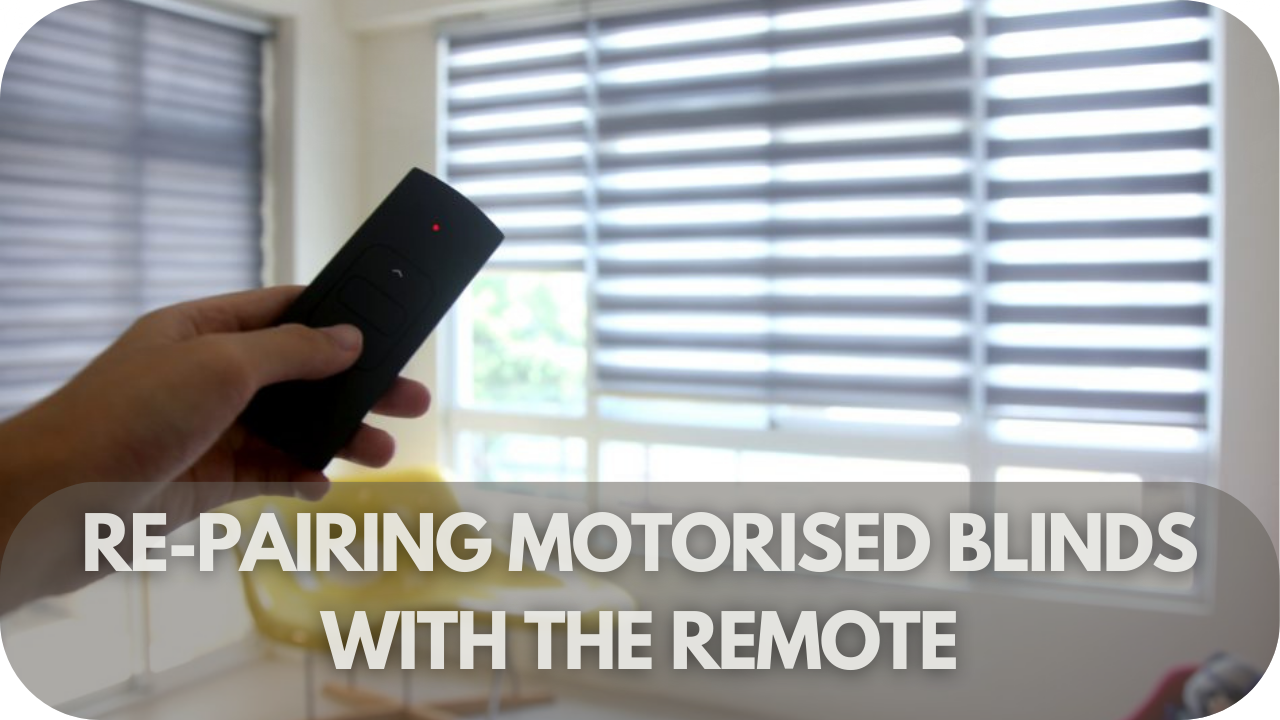
If your motorised blinds have stopped responding to the remote, re-pairing might be the solution.
First, ensure that the blinds are powered on and within range of the remote. Also, check if the remote’s batteries are fresh. Weak batteries can impede the pairing process.
Next, locate the pairing button on both the blinds and the remote. Typically, this button is found on the blinds’ motor; consult the user manual for exact placement. Press and hold the pairing button on the blinds until you see a flashing light or hear a signal sound.
Then, press and hold the pairing button on the remote until it communicates with the blinds. If the blinds have a display panel, it may show a confirmation message or light indicator when the pairing is successful.
Occasionally, the process may require repeating these steps to ensure a proper connection. Finally, test the remote to confirm that it controls the blinds as expected. Re-pairing your motorised blinds with the remote should restore functionality and resolve any issues with responsiveness.
Troubleshooting If the Reset Doesn’t Work
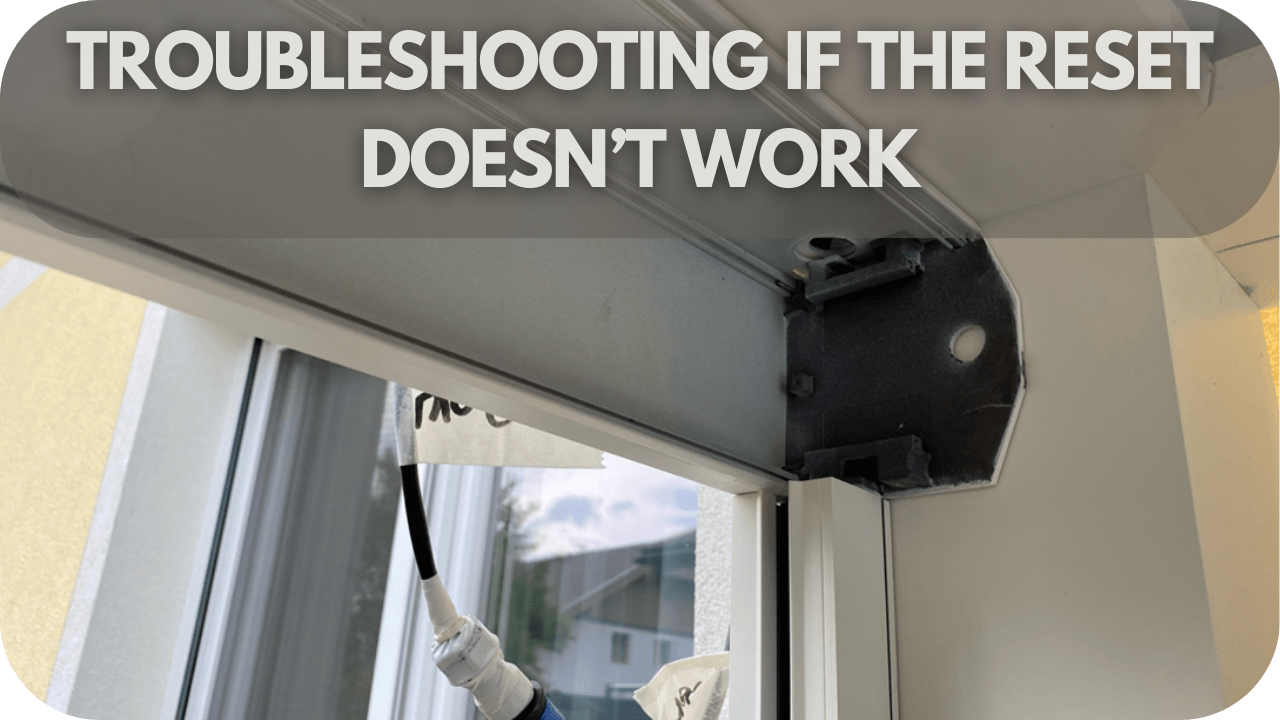
If resetting your motorised blinds doesn’t solve the problem, further troubleshooting may be needed.
- Check the Power Source
Ensure the blinds are plugged in or the power source is functioning correctly. Sometimes, a loose plug or power interruption can cause the blinds to stop working. - Confirm the Remote Functionality
Verify that the remote is working. If it isn’t, try replacing the batteries or using a different remote to rule out any control issues. - Inspect the Motor for Overheating or Wear
Look for signs of overheating or physical wear in the motor, as these could prevent the blinds from operating even after a reset. - Examine the Wiring
If your blinds are hardwired, inspect the wiring for any potential issues, as faulty wiring can cause operational problems. - Check the Control App
If the blinds use a smartphone app for control, try uninstalling and reinstalling the app to resolve any software glitches. - Repeat the Reset Process
Performing the reset a few more times can clear minor issues that may have been overlooked. - Consider Motor or Battery Replacement
In rare cases, if no other steps have worked, the motor or battery may need to be replaced. - Contact the Manufacturer or a Professional
If none of the troubleshooting steps work, contact the manufacturer or a professional installer for further assistance. This ensures any underlying issues are correctly identified and resolved.
Maintenance Tips to Prevent Future Issues

Proper maintenance of motorised blinds can significantly reduce the chances of future malfunctions. By following these tips, you’ll ensure smooth operation and prolong the life of your motorised blinds for your modern home:
- Regularly clean the blinds to prevent dust and dirt from accumulating. Dust buildup can get into the motor and gears, causing them to malfunction. Use a soft, dry cloth or a vacuum cleaner with a brush attachment to keep them free of debris. A damp cloth may be used sparingly for blinds in more humid environments.
- Inspect the power supply frequently. A loose connection or frayed wire could disrupt the power flow and stop the blinds from functioning. If you notice any damage, replacing the cord or plug immediately is best to prevent a complete breakdown.
- Check the remote’s battery levels every few months. Weak batteries can lead to delayed or unreliable response times from the blinds and, in some cases, might cause them to stop working altogether. Replacing the batteries regularly will ensure continuous operation.
- Test the motor and alignment periodically. Misaligned blinds may cause the motor to work harder than necessary, leading to wear and tear. If you notice the blinds moving unevenly or struggling, recalibration or manual realignment could help prevent long-term damage.
- Avoid overcharging battery-powered blinds, as this can decrease the battery’s capacity over time. Most models will indicate when they are fully charged, so be sure to unplug the charger once this happens to protect the battery.
- Keep the blinds’ movement unobstructed. Remove any items in the way that could hinder their operation, as this could strain the motor or damage the blinds themselves.
- Calibrate the blinds if you notice that they aren’t opening or closing entirely or if they stop responding correctly to commands. Calibration helps reset the motor’s memory, ensuring it works harmoniously with the blinds’ movement.
- Store the remote safely so it won’t be quickly dropped or damaged. Damaged remotes are a common cause of operational problems with motorised blinds, so proper care is essential.
Conclusion
Resetting motorised blinds doesn’t have to be complicated when you know the proper steps. Contact our Into Blinds Melbourne team if you are still facing issues or need expert advice.
We’re here to help you get your blinds back on track and ensure they operate seamlessly for years to come.